
The new ClassroomV1 video communication platform will set a new level in education. Teacher student interaction will be changed forever. ClassroomV1 can be used with Wi-Fi or any internet connection.
ClassroomV1 Features
- School and student profiles & unlimited classrooms
- Programmable class length and breaks
- Unlimited test and quiz templates
- Controlled group interaction
- Unlimited Teachers and Students per class
- Teacher & Student direct email / text system
- Community chat functionality
- Video chat notifications
- Question, answer and break notification buttons
- Integrated Student Library
- Session saver (External hard drive or cloud)
Administrator & Teacher Controls
- School profile setup
- Classroom setup & scheduling
- Schedule length and breaks between classes
- Create test and quiz templates
- Control and monitor group interaction
- Add unlimited teachers in one class
- Add student direct email system
- Control Video chat notifications
- Control question, answer and break notifications
- Control Session saver (External hard drive or cloud)
ClassroomV1: How it Works
- Administrator / Director: Create School profile, address and profile pic.
- Create schedule to include start and stop time of classes with lunch breaks in between.
- (Admin can create unlimited schools and classrooms).
- Admins/Principals/teachers can see all students attending class. Students can only see the teacher.
- Teachers can click on a student to video chat together in front of class, or bring up multiple students.
- The dashboard includes an Upfront button allowing everyone to see everyone, keeping full teacher control.

- Teachers have personal text to every student. Students can submit homework and attachments directly.
- Interactive Community Chat allows students to participate without video disruptions.
- Teachers can distribute quizzes and special reports to students directly.
- Student dashboard includes interactive Answer, Question, and Break buttons (with timer).
- Equipped with a full virtual Library to support learning.
- Visit the live platform at ClassroomV1.com


OfficeV1 is a new video communication program changing the way business owners and employees save while making money. OfficeV1 is a game changer. Can be used with Wi-Fi or any internet connection.
OfficeV1 Features
- Unlimited Building / Job site profiles
- Unlimited Offices & departments
- Programmable office hours and breaks
- Legal and work templates
- Interactive group communication
- Unlimited departments per job site
- Employee direct email / text system
- Community chat functionality
- Video chat notifications
- Question, answer and break notification buttons
- Session saver (External hard drive or cloud)
Administrator & Manager Controls
- Building / Job site profile setup
- Office setup & department controls
- Schedule office hours and breaks
- Create and manage legal templates
- Control and monitor group interaction
- Add unlimited departments to job site
- Add Employee direct email system
- Control Video chat notifications
- Control question, answer and break notifications
- Control Session saver (External hard drive or cloud)
OfficeVI:How it works:
- Administrator/ Employers
- Create Job/Work profile, address and profile pic.
- Create schedule to include start and stop time with lunch breaks in between.
- (Admin can create unlimited Job sites and Offices).
- Admins/Supervisors/Managers can see all workers in attendance. Workers can only see the management.
- Supervisors can use the mouse to click on a worker and everyone will see the manager and worker video chat with each other. The manager may also click on as many workers as they wish and they will appear. The manager also has a button on the dashboard that says Upfront. When this button is pressed, everyone can see everyone. This function helps because no one can video bomb or disrupt the office, the manager has full control.
- Managers have personal text to every worker, while workers can only text the manager. This texting part of the program can also upload documents and attachments to the manager. For discussions in the office there is also Community chat, where all workers can join in the conversation without video chatting.
- OfficeV1 OfficeV1 also provides management with the ability to create documents, applications and special reports to send the workers that they may work on and submit back to the manager.
- OfficeV1 doesn't stop there. Every worker has their own personal dashboard for communication. Besides texting the manager personally and being involved in community chat, the worker has the ability to hit the Answer button if the manager asks a question. This means when the worker presses the Answer button their box lights up, the manager may click on their box and they will appear in front of the office to answer the managers question.
- Workers also have a Question button located on their dashboard, so when the worker presses the Question button, their box lights up and gets the manager's attention. If the worker has to go to the restroom to relieve themselves, they have a Break button, when pressed, it will flash Break above the workers box. Break button has a timer so the manager may see how long the worker is away from office. The OfficeV1 is also equipped with a full virtual Library to help workers with their daily work. The OfficeV1 program was made to save employers and workers huge amounts of money.
- Exercise function coming soon!
- The new OfficeV1 app can be found at OfficeV1.com/


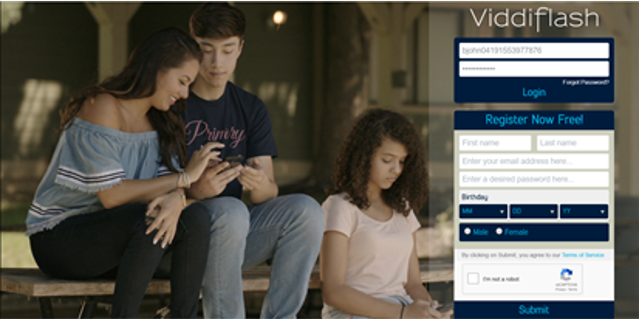
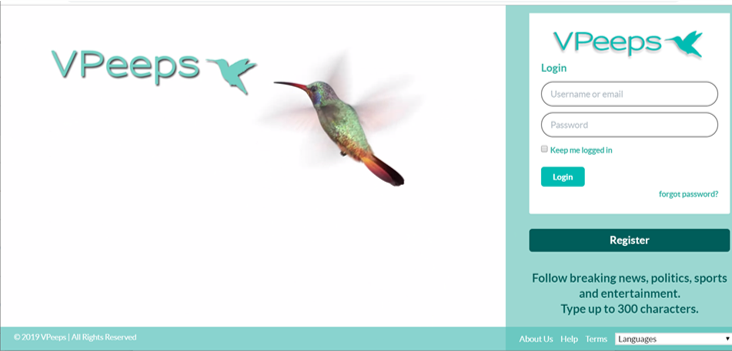
- Control of Online Presence and Create a Uniquely Individual Social Media Experience; mobile and desktop access.
- Target Audience: 18-65+
- Rolls Social Media Functionality into One App!
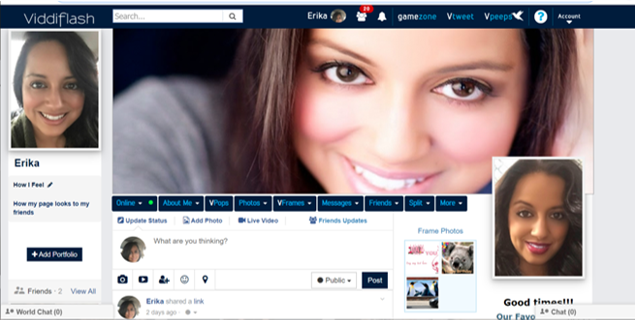
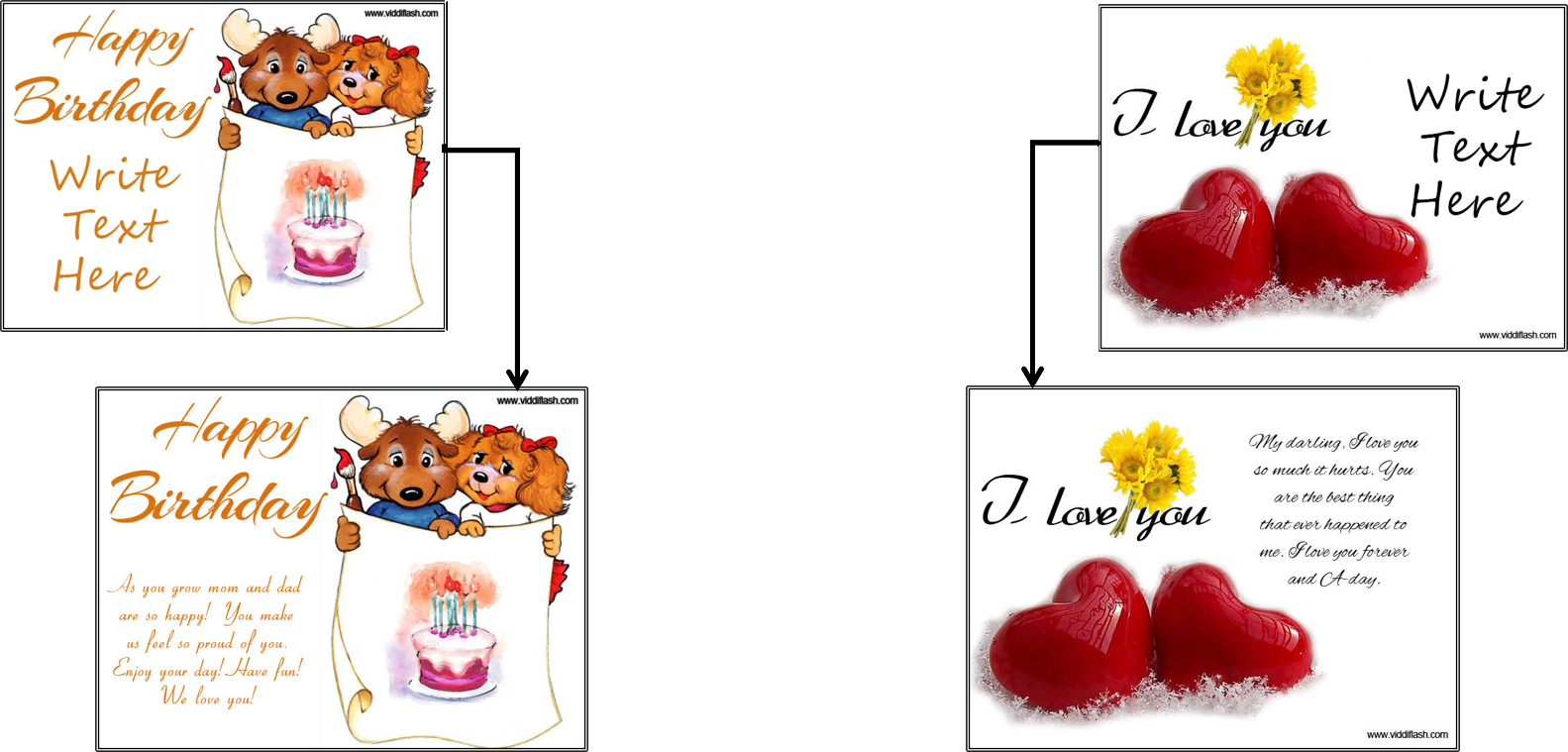
- Customized messages – VPops & VNotes
- Personal pops; create and write special message inside VPops videos
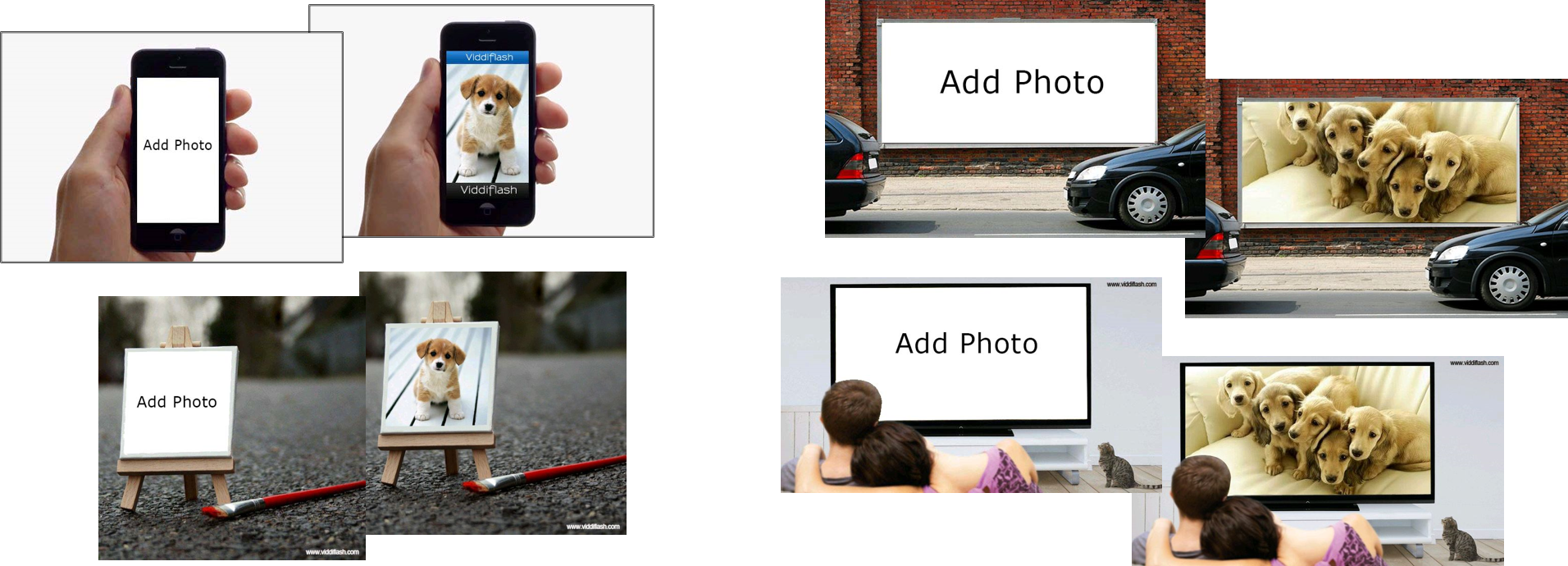
- Customized photo frames – VFrames
- Customized profile themes – Original, Actor, Model, Bodybuilder & more
- Split pages to view friends page
- GameZone – over 5500 games – FREE!
- VPeeps and VTweets capabilities
- World chat, video and group video chat-move down
- Communicate with family and friends
- The MALL – Local, regional, national shopping experience; users can set up personal store to sell items as well.
Commercials
VNotes
VSnapshots & VFrames


- Control of Online Presence and Create a Uniquely Individual Social Media Experience; mobile and desktop access.
- Target Audience: 18-65+
- Rolls Social Media Functionality into One App!
- Inspiration page
- Customized messages – VPops & VNotes
- Personal pops; create and write special message inside VPops videos
- Customized photo frames – VFrames
- GameZone – over 5500 games – FREE!
- VPeeps and VTweets capabilities
- Communicate with family and friends via regular chat, video and group video chat; world chat
- The MALL – Local, regional, national shopping experience; users can set up personal store to sell items as well.



- Mobile and desktop-based app.; rolls every social media function into one app!
- Target Audience: the 18-65+ age group.
- New, unique and innovative social media platform that has the potential to disrupt the social media landscape.
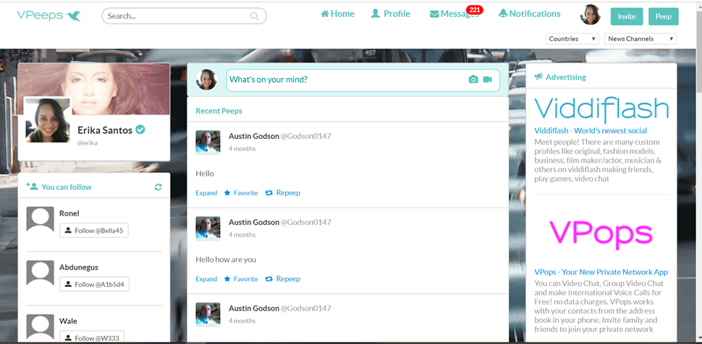
- Dynamic Customized Profile Page with:
- 3 static pictures
- Special Moving Backgrounds (Web Only)
- Notifications For New Followers, New Peeps And Messages
- Make your page public or accessible to only those you follow for a truly Private Social Network.
- Control your online presence; create a uniquely individual social media experience; communicate with family and friends and keep up to date with news, sports, entertainment and the stock market.
- Dynamic customized profile page that MOVES. Brings users up to date on News, Sports and Entertainment Tickers through a dynamic, perpetually moving ticker. Users can select and scroll any number of movable tickers for up to minute news, stock market, sports and entertainment information from 100s of sites in all countries (where available).
- Communicate via 300 characters viewable to everyone or user-created private network
- Moving GIF pages
- Email messaging and VNotes functionality
Commercials


- Mobile based app. A unique combination of functionality all in one application:
- Video Chat – click of a button access
- Group Video Chat – up to four additional video callers
- Regular chat
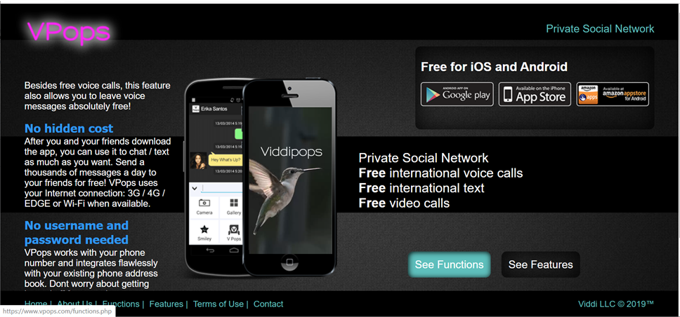
- Free International Voice Calls
- Text, Chat
- Social Media – VNotes, VFrames, VMedia, VPic-n-Play, local
- Entertainment function
- Personal pops (create and write special message inside VPops videos
- No advertisement texts, robo or marketing calls
- Only accessible to User personal contacts! Based on years of study on how people use social media and other communications apps, and used those learnings to create 17 different user functions in one secure, unique app.


- VPeepme is the go-to app for mobile videos. With VPeepme, short videos are fun, and exciting. If you love parties, special events or just wanna act a little crazy, you're gonna love VPeepme. You'll find the funniest and most awesomeVPeepme videos that will make you laugh and have fun all day!
- VPeepme makes it easy. Create hot videos with music, special effects, filters and much more.
- VPeepme lets you watch as many videos as you like. Share with family and friends. Have the craziest, most fun 24 hours a day!
- VPeepme lets you pause recording as many times as you like and resume your video with just a touch. Repeat as many times as you want!
- Besides adding your favorite music and sounds, VPeepme has a wide variety of music and sounds for you to choose from. You can also add your voice for more fun!
- VPeepmelets you show true feelings to family and friends 24 hours a day! Just express yourself. The new VPeepme app can be found here vpeepme.com

Get the new Mirage Edge app!
A Non Stop Party!
Spread It
Invite Everyone!
Download to your Mobile Device, Tablets, Desktops and Smart TVs

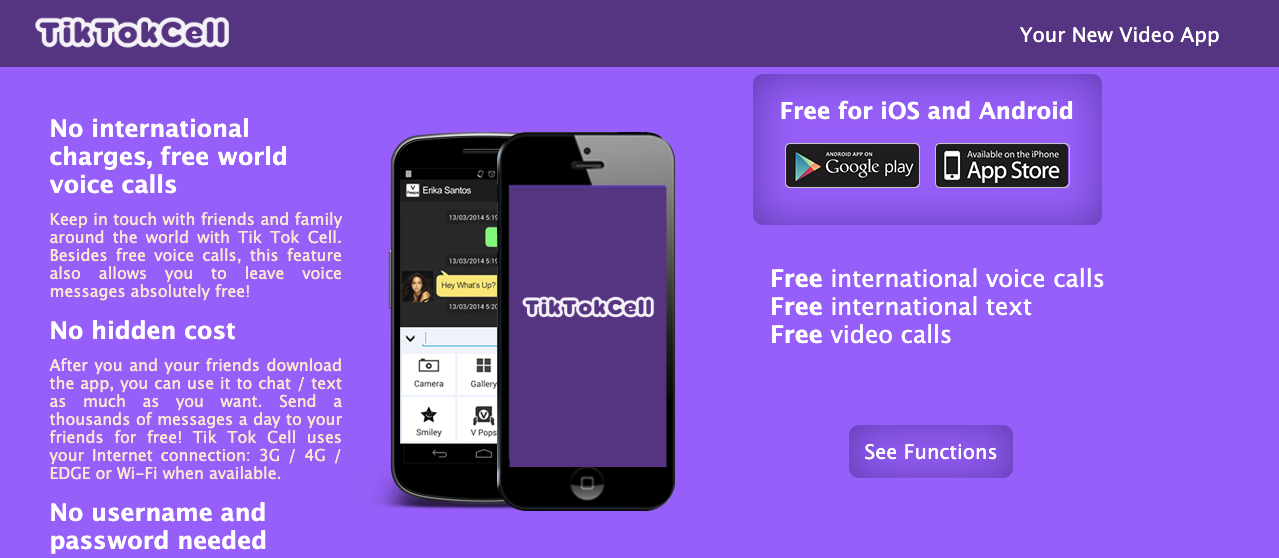
Tik Tok Cell is a mobile based app. A unique combination of functionality all in one application:
- Video Chat – click of a button access
- Group Video Chat – up to four additional video callers
- Regular chat
- Free International Voice Calls
- Text, Chat

- Straightforward, easy to use stand-alone applications, primarily for the 25-54 year old users of social networks.
- Where social media has previously been dominated by young people in the United States, social networks in 2022 are now nearly as likely to be utilized by people 35-54 years old (Edison research, The Social Habit 2022). As usage patterns even out between young and middle-aged people, social media platforms will need to adapt.
- Social Media – VNotes, VFrames, VMedia, VPic-n-Play, local Entertainment function.
- Personal pops (create and write special message inside VPops videos.
- No advertisement texts, robo or marketing calls.
- Only accessible to User personal contacts! Based on years of study on how people use social media and other communications apps, and used those learnings to create 17 different user functions in one secure, unique app.
Viddipoppers can be shared to any platform
You can pick from 1000’s of ViddiPop videos. Write a message in a Viddipopper video of your choice:


- Meetings
SnapV1 enables seamless online meetings, ideal for corporate meetings, client discussions, remote team collaborations, training sessions, and technical support. Whether you're working from home or traveling, SnapV1 offers high-quality video and audio, ensuring crystal-clear communication at all times. - Video Webinar
Host marketing events, town hall meetings, and large-scale webinars with SnapV1. With support for thousands of attendees, interactive polls, Q&A features, and HD video quality, it's perfect for businesses, educational institutions, and public speakers to connect with a broader audience. - Conference Rooms
Transform your physical spaces into collaboration-enabled conference rooms. SnapV1 integrates with modern hardware to create a fully immersive experience. This is ideal for businesses looking to set up conference rooms that bridge the gap between in-person and virtual meetings. - The Hub for Teamwork
SnapV1 acts as a central hub for teamwork. Whether you're brainstorming with colleagues or catching up on tasks, the platform supports text-based chat with rich features such as gifs, stickers, emojis, and file sharing. It's a complete communication tool for both formal and casual conversations. - Meet from Anywhere
With just one click, you can switch from group chat to a video conference, regardless of the size of your team. SnapV1 ensures that meetings can be scheduled or started on the fly, supporting everything from small team huddles to large-scale company meetings, making remote work feel more connected. - Call from Anywhere
SnapV1's call features go beyond basic video meetings. It provides seamless voice and video calling for business operations, ensuring that every member of the team can connect instantly. Whether you're in the office or on the go, SnapV1’s call quality eliminates the need for constant rejoining or confusion over who’s speaking. - Collaborate from Anywhere
Never lose track of files or documents again. SnapV1 allows users to access, share, and edit files such as Word documents, Excel spreadsheets, and PowerPoint presentations in real-time. This is especially useful for teams working on shared projects or presentations, ensuring all content is up to date and accessible to all team members. - Screen Sharing
During meetings or webinars, you can easily share your screen to give presentations, conduct training, or collaborate on live projects. Screen sharing in SnapV1 is seamless, making it easy to switch between presenters or display multiple screens for better collaboration. - Secure and Private
SnapV1 is built with security and privacy at its core. With end-to-end encryption, strict access controls, and data privacy standards in place, you can be sure that your conversations and data are protected. This makes SnapV1 an excellent choice for organizations that need to maintain confidentiality in their communication. - Recording and Playback
All meetings, webinars, and calls can be recorded with SnapV1 for later playback. This is useful for team members who cannot attend a live session or for creating archives of important discussions or training sessions. Recorded content can be easily accessed, shared, or downloaded. - Customizable Webinar Features
SnapV1 offers customizable webinar settings that allow hosts to engage with attendees through live Q&A, polls, and hand-raising features. You can also enable private or public chat functions to enhance interaction during your events. This flexibility makes SnapV1 ideal for educational institutions, product launches, and community events. - How It Works: Step 1
Start using SnapV1 by expressing interest in the service. Simply sign up, and you'll receive all the information needed to get started. - How It Works: Step 2
Once registered, you’ll receive notifications about upcoming meetings, webinars, or calls. These notifications include links and details on how to join the sessions. - How It Works: Step 3
Join live sessions via the provided link. Whether you're attending a meeting, a webinar, or a live event, SnapV1 ensures a smooth experience with a simple one-click entry. - Cross-Platform Compatibility
SnapV1 is compatible with all major devices and operating systems. Whether you’re on a Windows PC, Mac, iOS, or Android, SnapV1 provides the same high-quality experience across all platforms, allowing you to connect from any device, anywhere. - Scalable for Businesses
SnapV1 is designed to scale with your business. Whether you're a small startup or a large enterprise, the platform can grow as your communication needs evolve, offering robust features and security for every stage of growth.
Live audio broadcasting
- MirageV1 is a live audio broadcasting platform.
- Discover and tune in to live audio broadcasts through the MirageV1 website.
- Open the product name above or use the link beside this description to visit MirageV1.

Connect with friends and share life moments
- A social platform for connecting with friends.
- Share updates, news, and moments from everyday life.
- The website provides account sign-in and registration; its App Store release is listed as coming soon.


A hub for teamwork and communication
- Hold online meetings, training sessions, webinars, and conference-room calls.
- Chat one-to-one or in groups, with support for GIFs, stickers, and emojis.
- Move from group chat into a video meeting and collaborate on shared documents.
- NEWSv1 describes meeting options for teams ranging from small groups to large audiences.

Meet and collaborate from anywhere
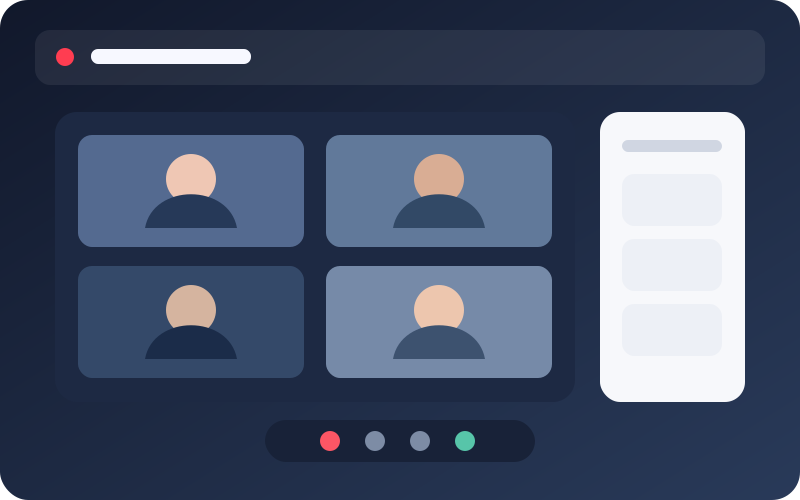
- Online meetings for teams, training, and technical support.
- Video webinars for marketing events and town-hall meetings.
- Conference-room options designed for in-room and remote collaboration.
- Chat, calls, and meetings are brought together in one teamwork hub.
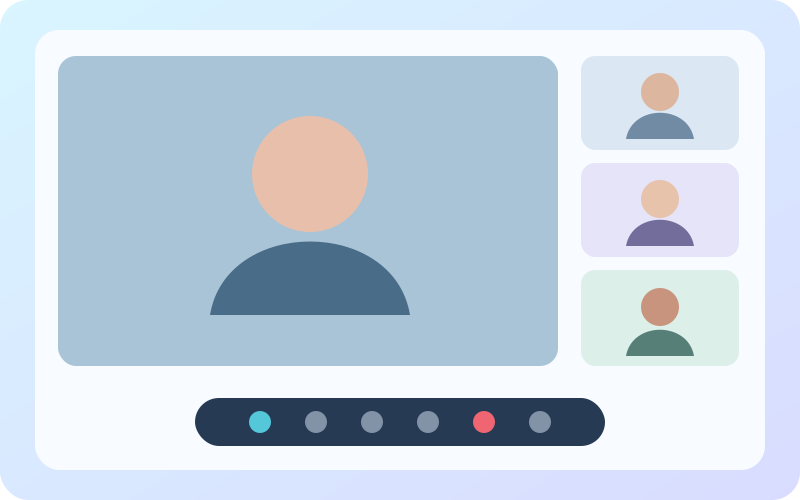

Private communication for teams and communities
- Real-time messaging with privacy and security at its core.
- Share files and keep conversations in sync across devices.
- Use voice and video calling alongside chat.
- JOJOcell describes its platform as end-to-end encrypted and available across devices.


Infinite sound. Infinite possibilities.
- NexusV1 is a sound-focused creative platform.
- Its site presents tools and experiences for exploring sound and audio creativity.
- Visit NexusV1 to see the current product experience and offerings.

Entertainment streaming
- NexusVIP presents an entertainment streaming experience.
- Explore the available shows and entertainment options on the official site.
- Use the product name above or the link beside this description to open NexusVIP.